01
Draw like on a real board
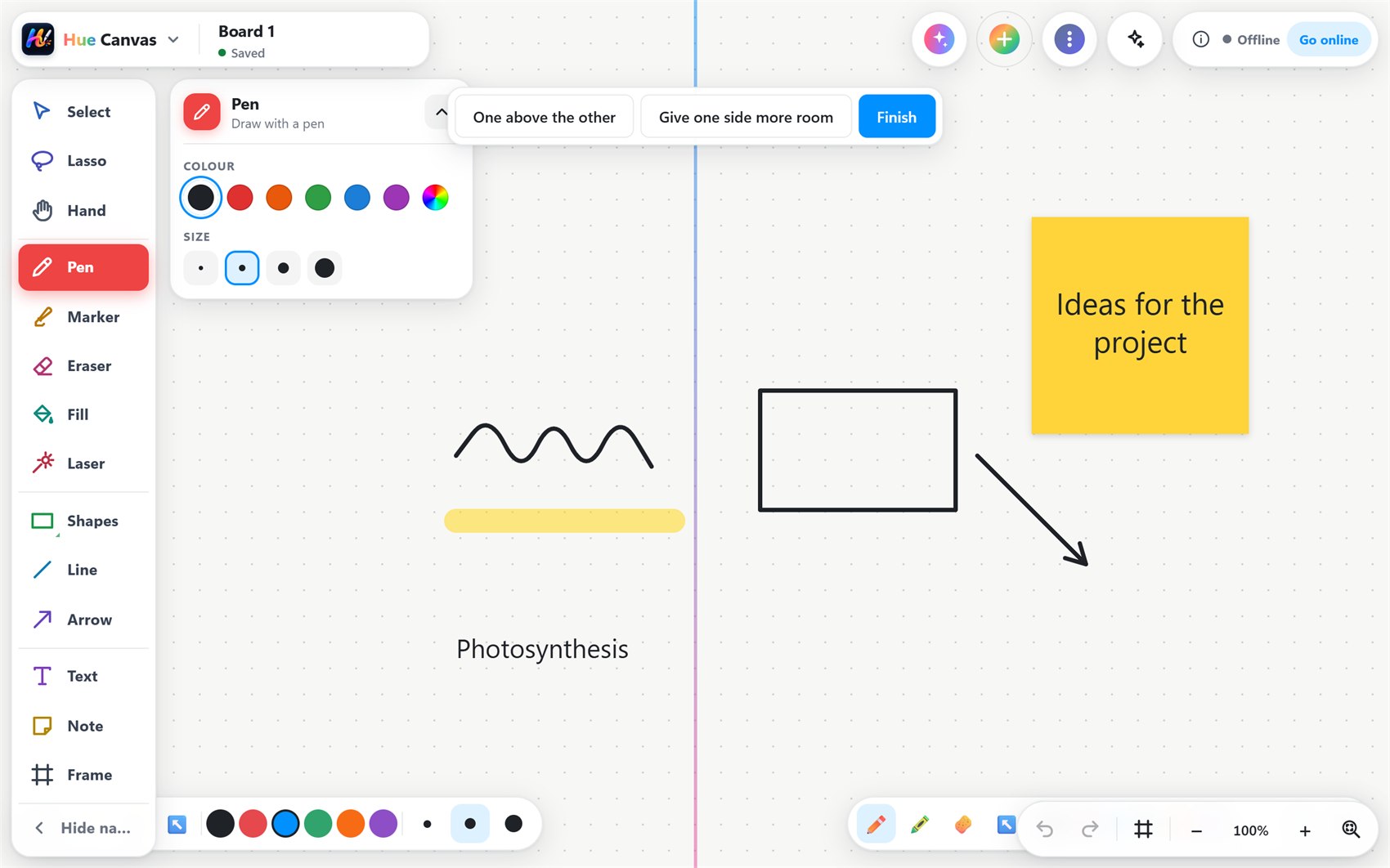
Pen, marker and highlighter with smooth ink, shapes that tidy themselves, lines, arrows, typed text, sticky notes and frames.

Write, draw and teach on one board
An infinite whiteboard for the web, Windows, Android and smart boards. Pens, shapes and notes, 20+ maths, science and classroom tools, Hue AI, presenting and live sharing with your class.
Hue Canvas replaces the whiteboard, the projector clicker and a drawer full of apps. Your lesson lives on one board you can grow in every direction.
Start in a browser, the installed app or on the smart board. No setup, and it keeps working offline.
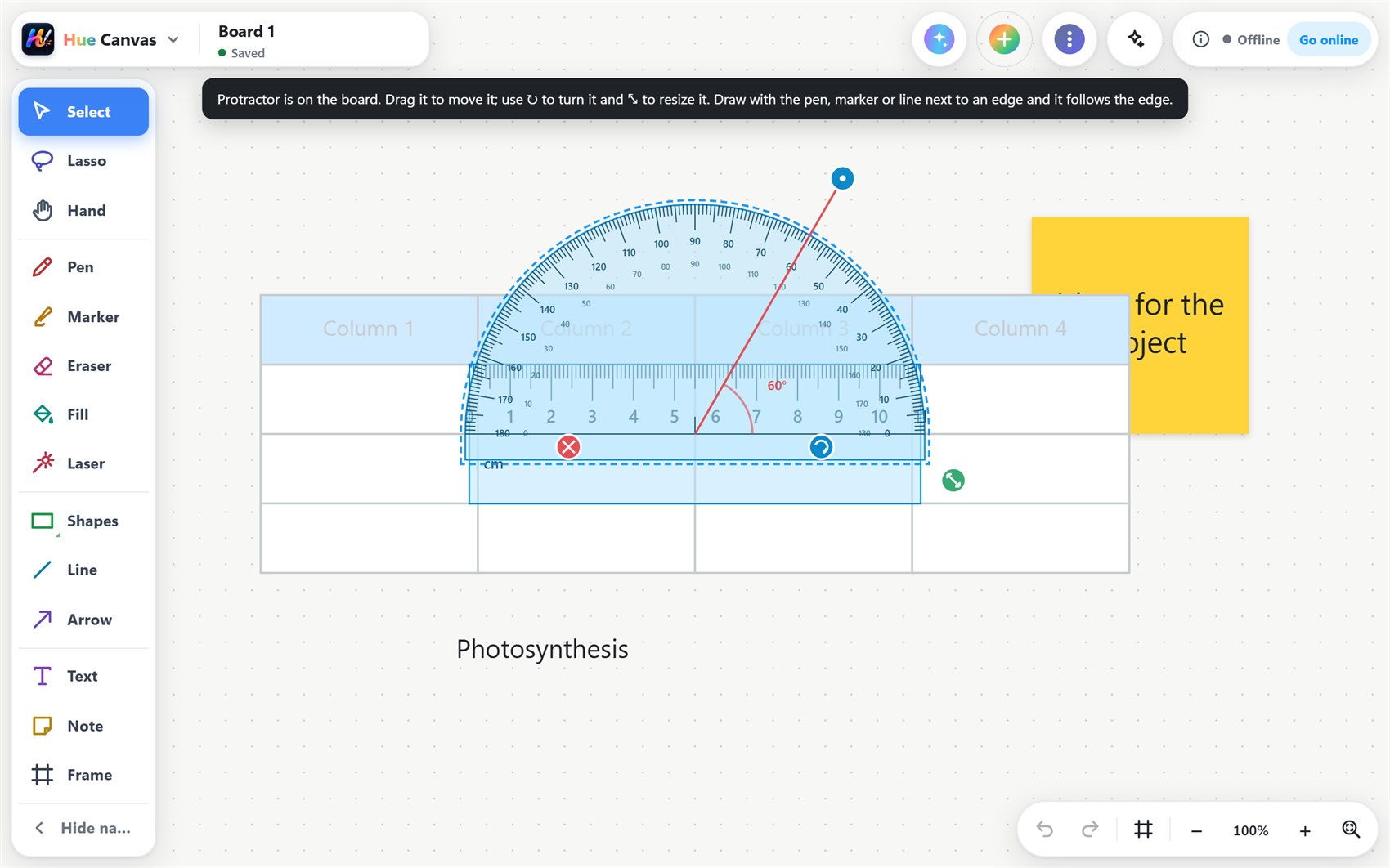
Write and draw, drop in a graph, a protractor or a 3D heart, and talk the class through it.
Students join with a code, work on the same board, and the lesson is saved for later.
Pen, marker and highlighter with smooth ink, shapes that tidy themselves, lines, arrows, typed text, sticky notes and frames.
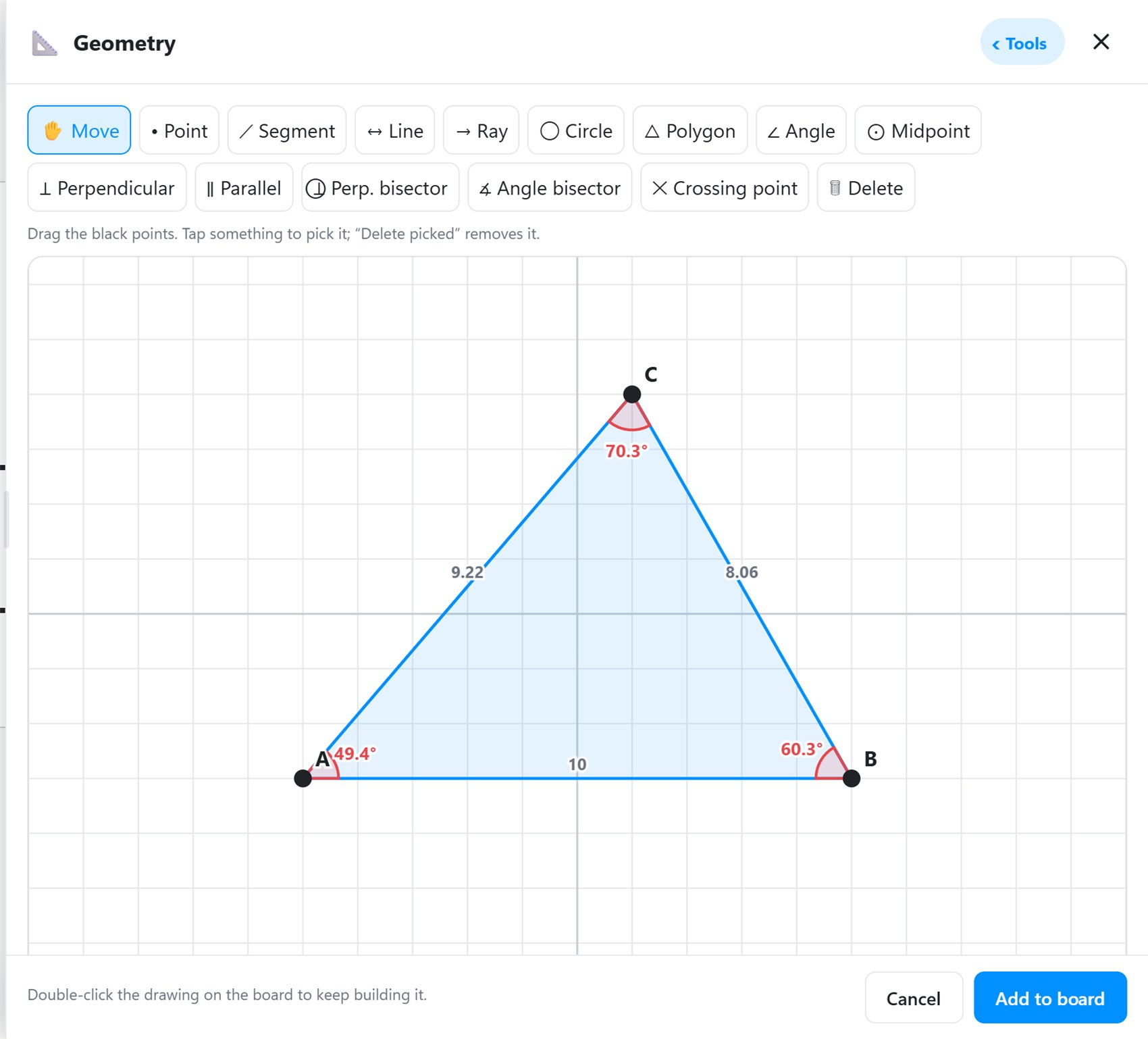
Geometry that measures as you drag, graphs, an equation editor, a calculator, and a ruler, protractor, set square and compass to draw along.
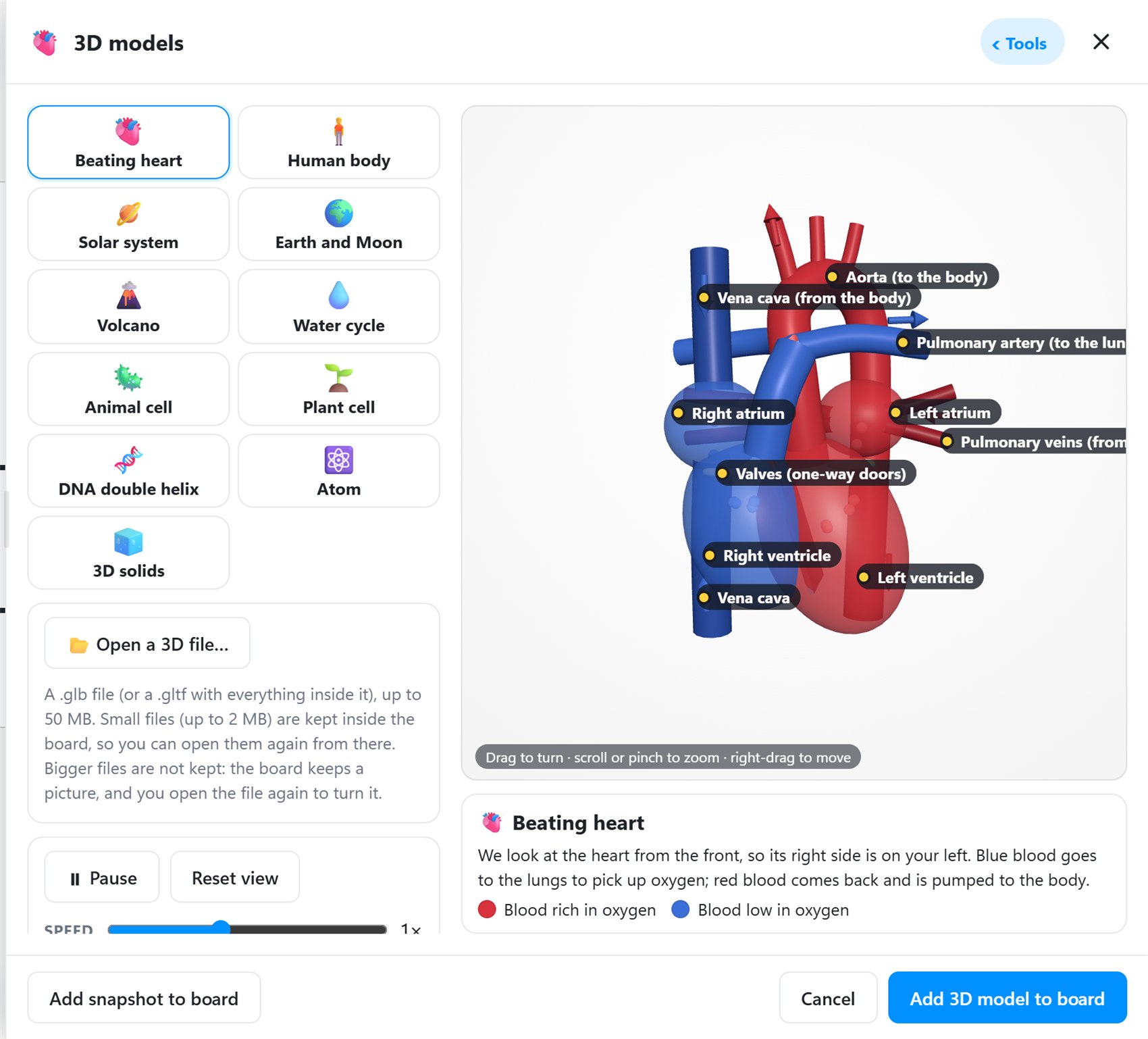
3D models with labelled parts, the periodic table, molecules, biology diagrams and simulations, straight onto the board.
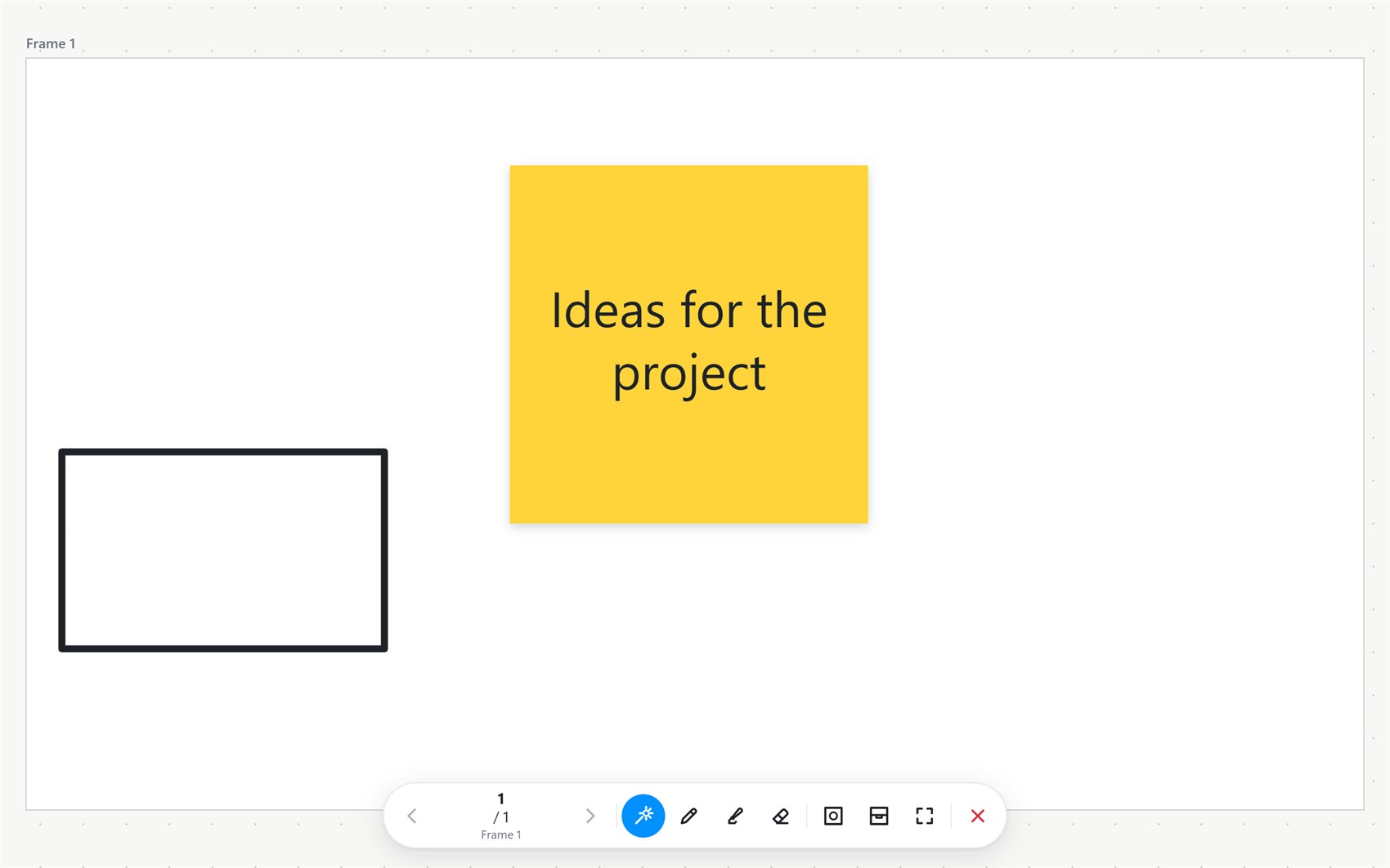
Frames become slides with click-by-click reveals. Draw on top while you present, then carry on teaching on the same board.
Split the board down the middle so two students write at once, each with their own pens and colours.
If your school uses HueCreate, search the lesson steps already made there: slides, videos, pictures, quizzes, polls, flip cards, animated and 3D content. Add one to the board and double-click it to play it right there.
Explore steps appears when you are logged in, and needs the internet.
Your board
Explore steps
A small taste of the board: draw with your mouse, finger or stylus. The real thing has every tool.
Hue AI is built into Hue Canvas. It works with what you wrote and drew, so the board does more of the work.
Most AI actions use credits that your school or admin adds.
plants make food from sunlight
From the first line you draw to a full lesson your class builds together.
Pen, marker, highlighter, shapes, lines, arrows, text, sticky notes and frames. Smooth ink with a stylus, a finger or a mouse.
Equation editor, graphs, calculator, ruler, protractor and geometry tools that snap your lines.
Periodic table, molecules, 3D models like the beating heart and the solar system, and simulations.
Turn handwriting into text or maths, summarise and explain a board, describe a drawing, and paint a rough sketch into a picture.
Show the board as slides, draw over anything on screen, record the lesson, and run timers, reactions and votes.
Split the board so two students write at the same time, each with their own pens.
Share a board with a join code. Everyone sees changes as they happen.
Keep teaching when the internet drops: your boards are saved right on the device.
maths, science and classroom tools
ways to run it: browser, installed app, Windows, Android
students writing on one board at once
internet needed to keep teaching
The same board on the classroom smart board, a teacher's laptop and a student's phone. Install it as an app or simply open it in the browser.
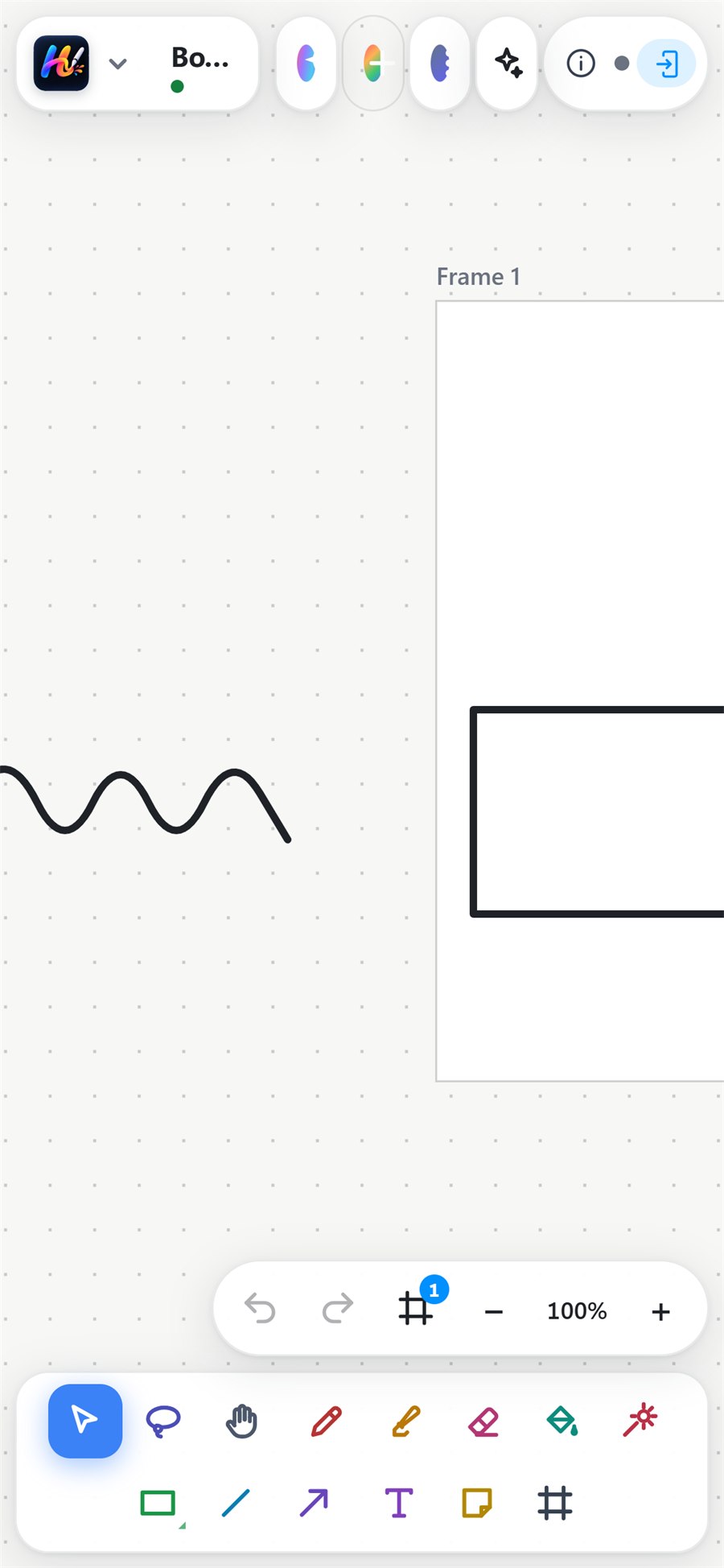
Plan, teach and present from one board, with the tools for every subject a tap away.
Write at the board, work together live, and open the lesson again to revise.
One whiteboard for every smart board, laptop and tablet, online or offline.
A web browser, an installed web app, a Windows app and an Android app, including large Android smart boards. Your boards look and work the same everywhere.
Open Hue Canvas in your browser and start your first board in seconds.